KINETIC SCULPTURE / PHYSICAL COMPUTING / MIXED REALITY

Venus Flytrap

A sculpture you can touch, play, or puppet.

Kewin Skrzekut — design, fabrication, Arduino, Unity / XR development

  • Arduino
  • MPR121
  • Servo / motor
  • Unity
  • Quest 3
Mechanism diagram Two meshed gears each carrying a petal. Moving the slider from 0 to 180 degrees opens the petals outward.
Mechanism diagram, not live data. 0° is closed, 180° is open.
↓
01

Three ways in

01

Touch

Shown at an exhibition. About 80 people tried it.
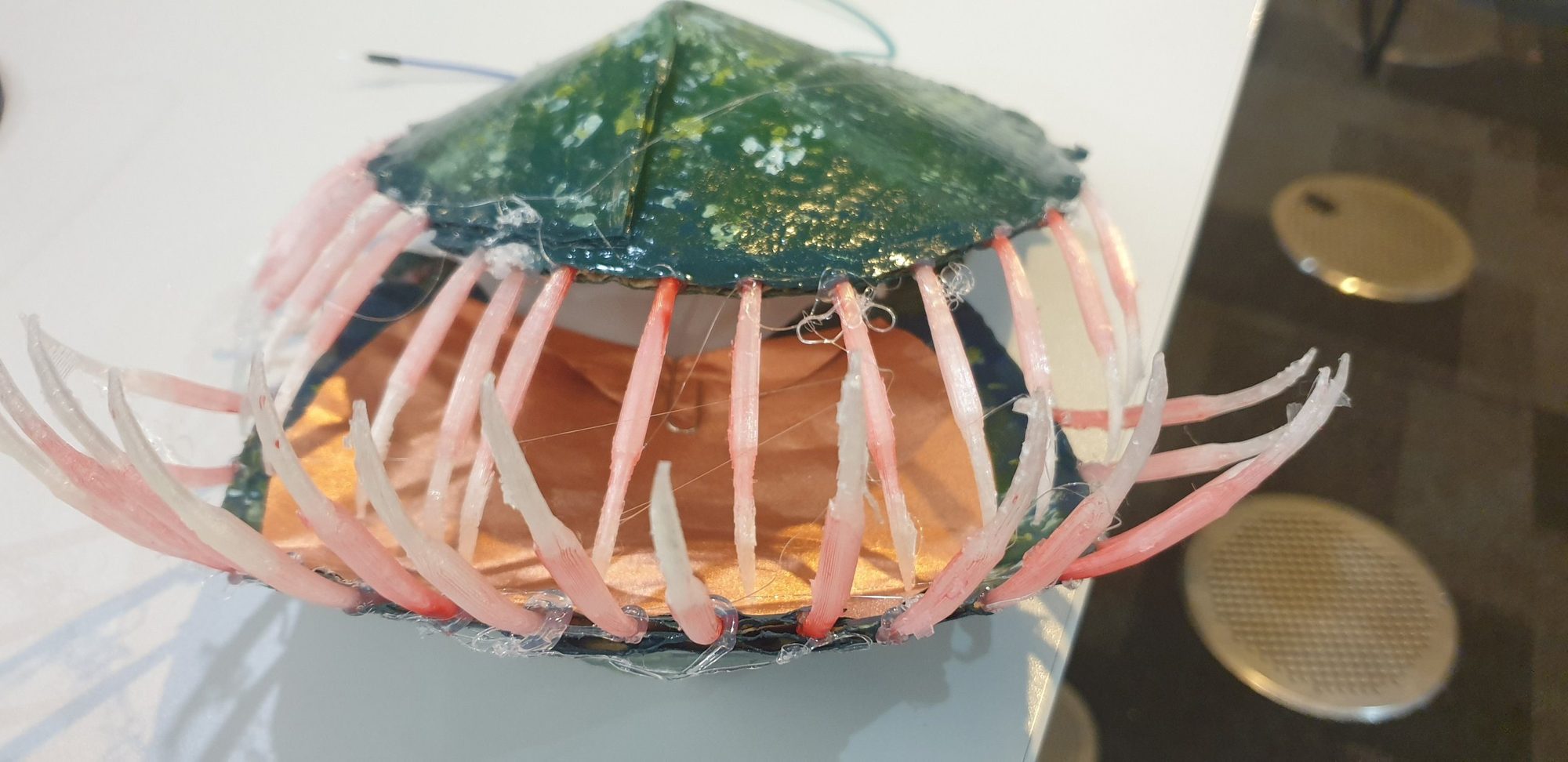
Close-up of the sculpture's petals: dark green outside, copper pad inside, rows of pink 3D-printed teeth.

Touch the inside of the petals and they close.

Copper pads inside the petals sense contact through an MPR121 capacitive sensor. An Arduino sketch turns that into motion, and the gears close the petals gradually.
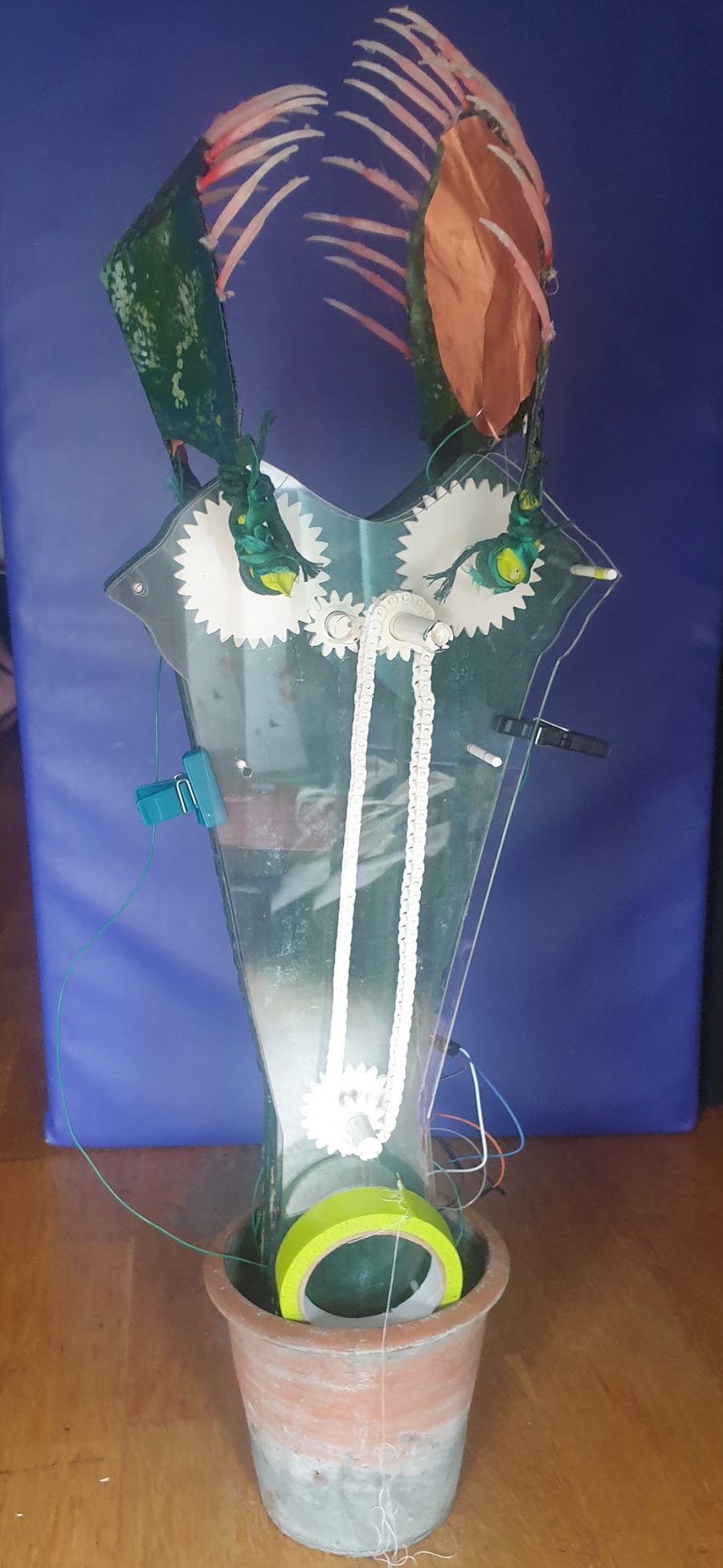
The first version of the sculpture: a clear acrylic body with white gears and a chain drive, green petals and a copper pad, standing in a clay pot.
Version one: acrylic body, chain and gear drive.
  1. TouchCopper pads inside the petals.
  2. MPR121A sensor that detects the contact.
  3. ArduinoDecides how far and how fast to move.
  4. MotorEased, so the closing is gradual.
  5. GearsPrinted and laser-cut parts carry it on.
  6. Petals closeThe plant shuts around your hand.
02

Play

Played by about 10 people in a class setting.

Win the game and the plant opens.

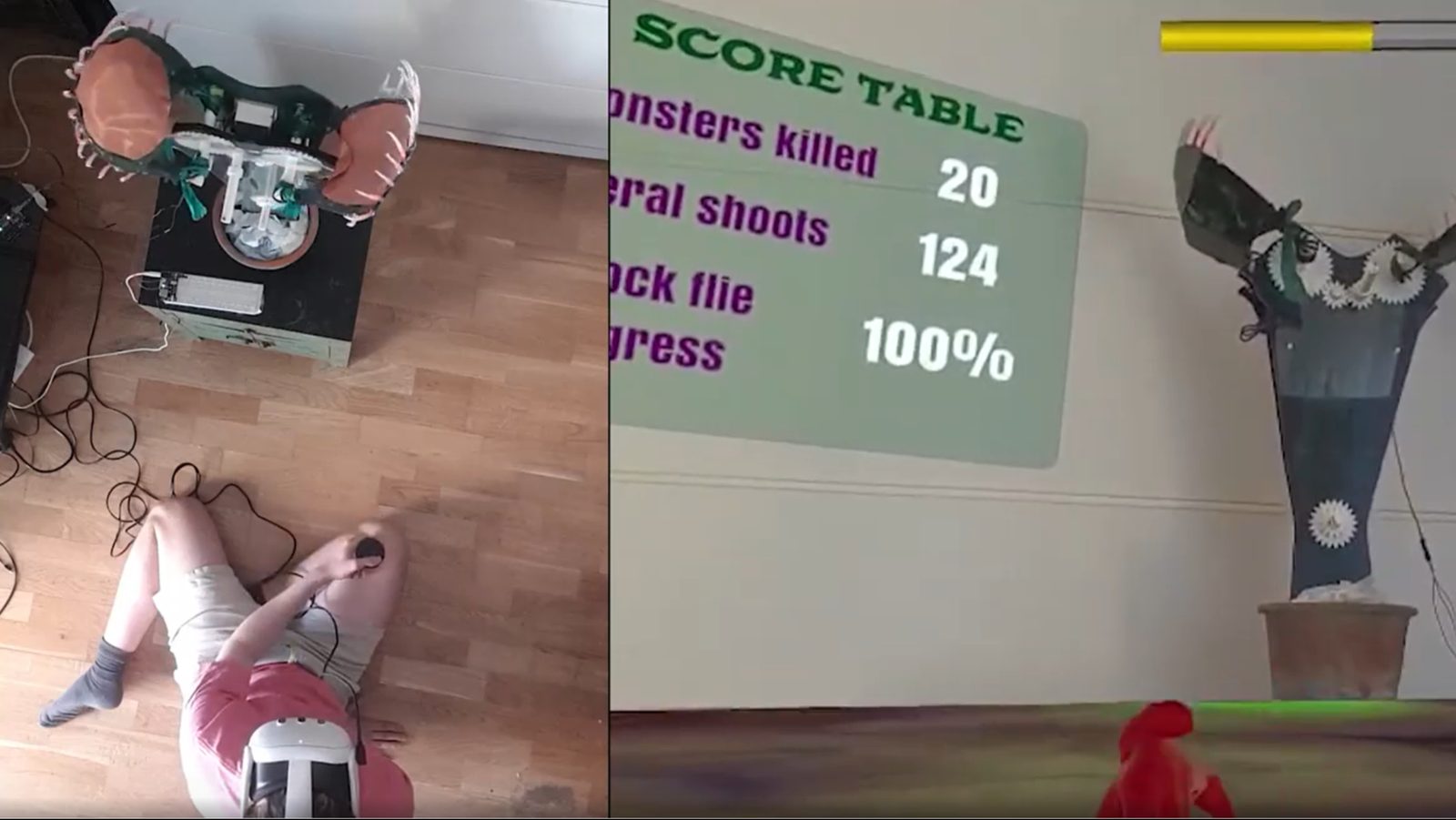
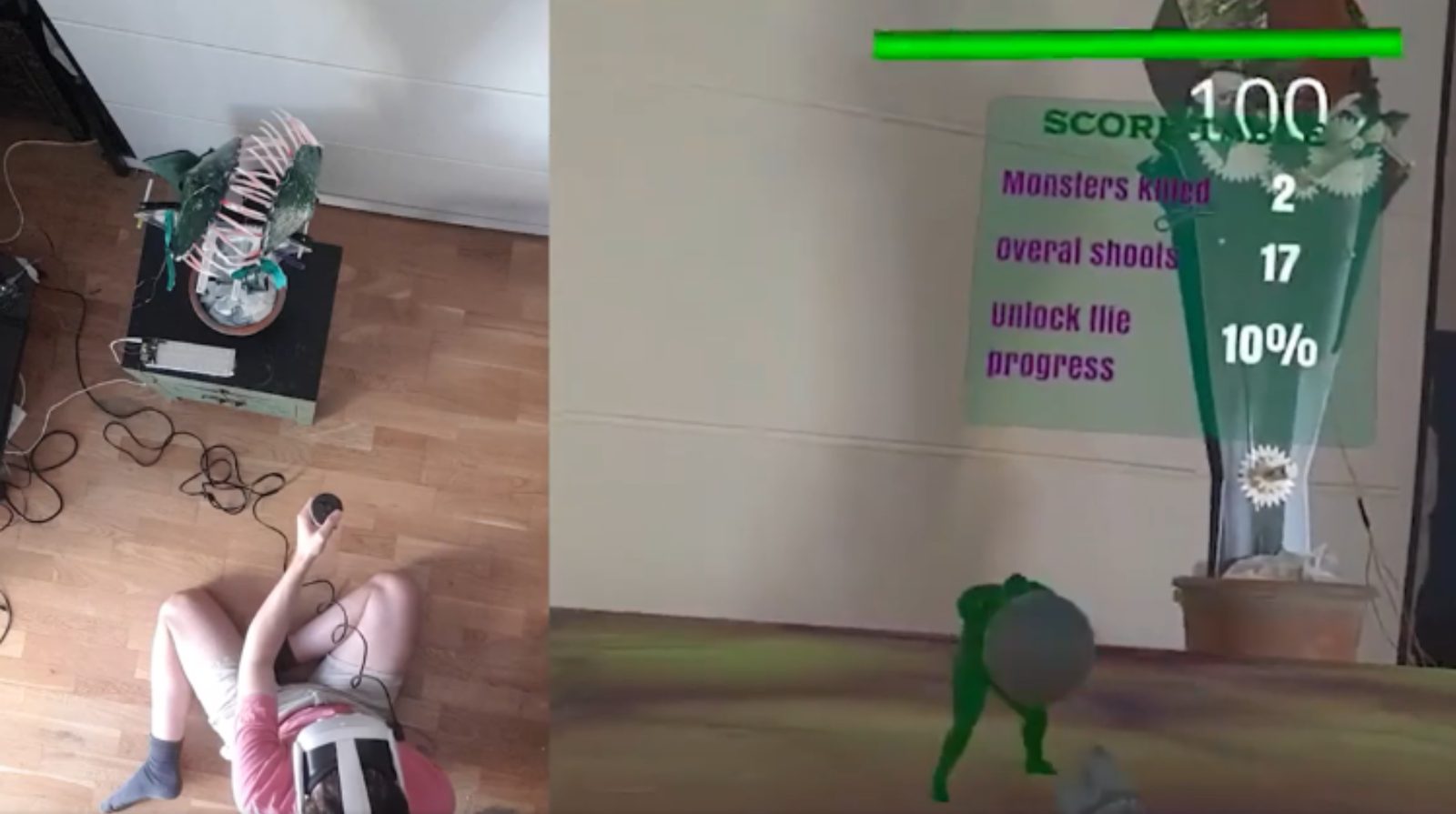
In a Quest 3 / Unity game you defeat all 20 monsters. When the “unlock fly” meter reaches 100%, Unity sends a command and the physical sculpture opens its petals.

Split view: left, a player lying on the floor in a headset; right, the headset view. Score table: 2 monsters killed, 17 shots, 10 percent. The sculpture is closed.
Start · 10% Two monsters down. Petals closed.
The same split view at the end of the game. Score table: 20 monsters killed, 124 shots, 100 percent. The sculpture's petals are open.
Win · 100% All 20 monsters. Petals open.
  1. 20 monstersDefeat them all.
  2. Unlock 100%The game decides it has been won.
  3. UnityOn the Quest 3, sends the command.
  4. SerialA laptop passes it to the Arduino.
  5. ArduinoStarts the eased sweep.
  6. Petals openIn the gallery, in real time.
03

Puppet

Ongoing exploration.

Lift the object and the plant follows.

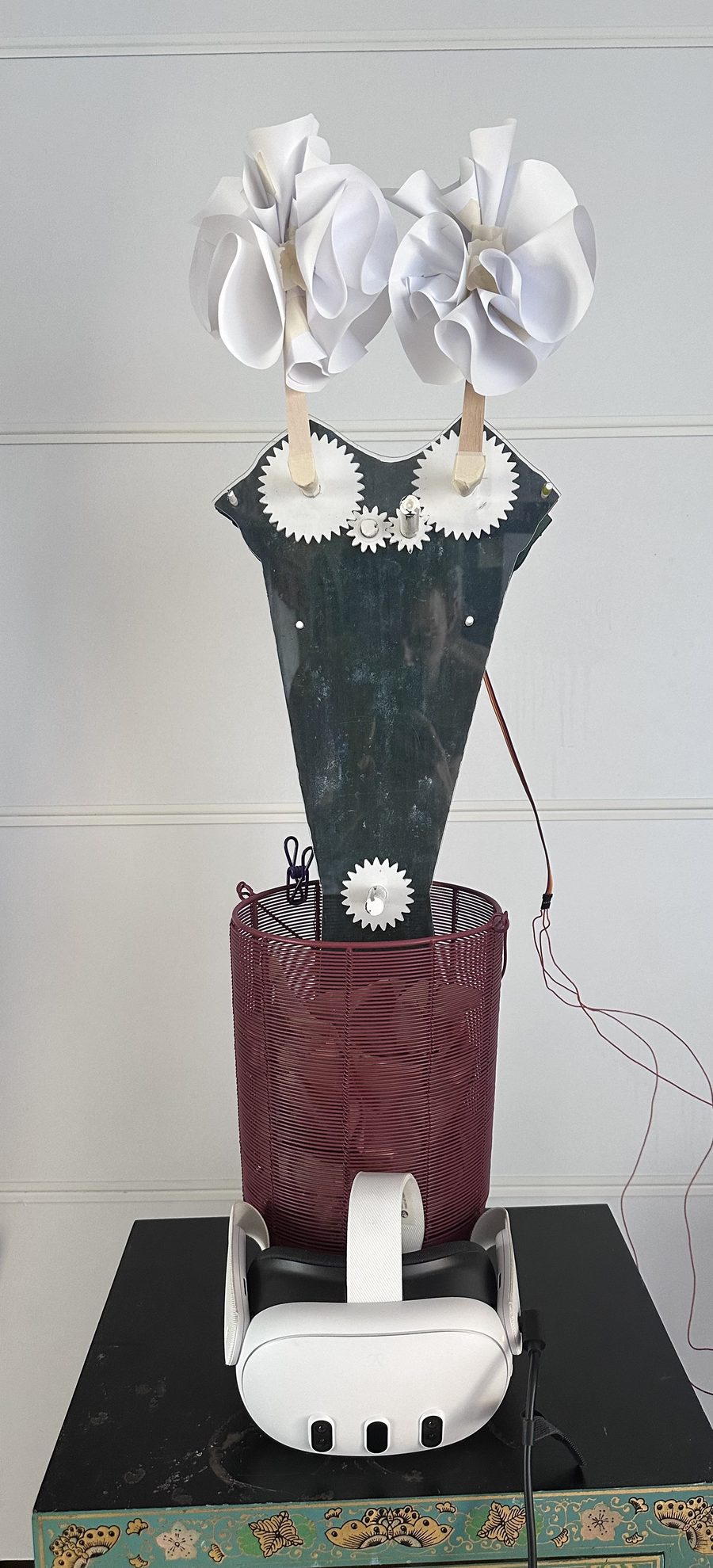
Pick up a virtual box and the sculpture opens. Drop it and the petals close. The sculpture was re-posed for this stage, with paper petals in place of the originals.

The re-posed sculpture: two paper flowers on gear-driven arms, a dark acrylic body in a red wire basket, a Quest 3 headset on the plinth below.

Full overview video: coming soon.

  1. Grab / dropLift the virtual box, or let go.
  2. Unity eventFires on pick-up and release.
  3. SerialPassed on through the laptop.
  4. ArduinoRuns the eased sweep.
  5. ServoTurns 0° to 180° and back.
  6. Open / closeLifted opens, dropped closes.
02

The game

Loads from YouTube when you press play. Open on YouTube ↗

03

Making it

Version one, from above. The gears and motor under the petals.
  1. 01

    Idea and sketch

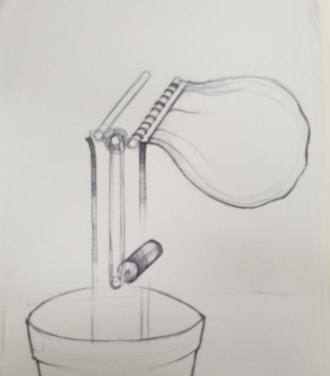
    First drawings of the petal linkage.

    Pencil sketch of a flytrap on a clay pot, with a linkage.
  2. 02

    Research and cardboard

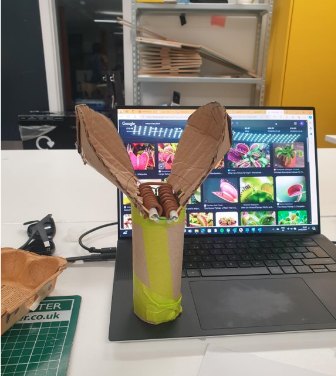
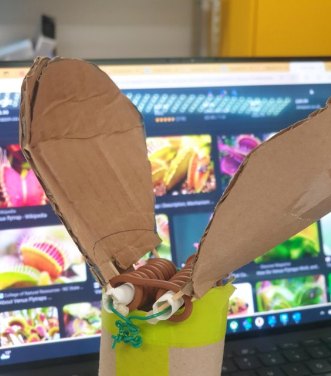
    Biomimicry research, then paper and cardboard prototypes.

    A cardboard prototype of two petals next to a laptop showing flytrap photos.
  3. 03

    Mechanism testing

    Testing how the petals move before building the real thing.

    Cardboard petals with a wound-wire mechanism, tested against reference photos.
  4. 04

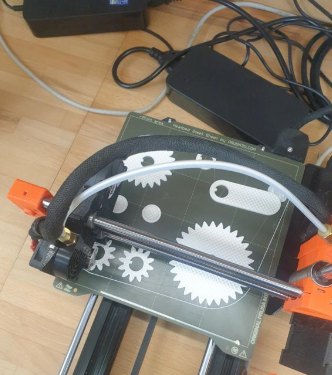
    Laser cutting and 3D printing

    The body laser-cut, the gears printed.

    Gears printing on a 3D printer.
  5. 05

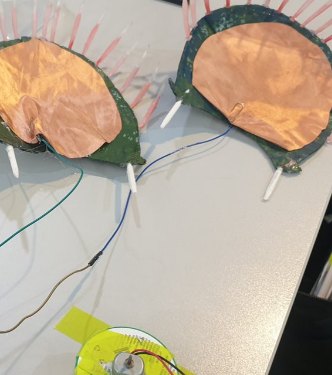
    Electronics and programming

    Copper pads on the petals, wired to the sensor and the Arduino.

    Two petals covered with copper tape, wired up.
  6. 06

    User testing, then the exhibition

    About 80 people tried it.

    The finished first version of the sculpture.
04

Three loops, one idea

Same plant, three ways to move it. Stages 2 and 3 share one link: a laptop passes Unity’s command to the Arduino.

05

The creature

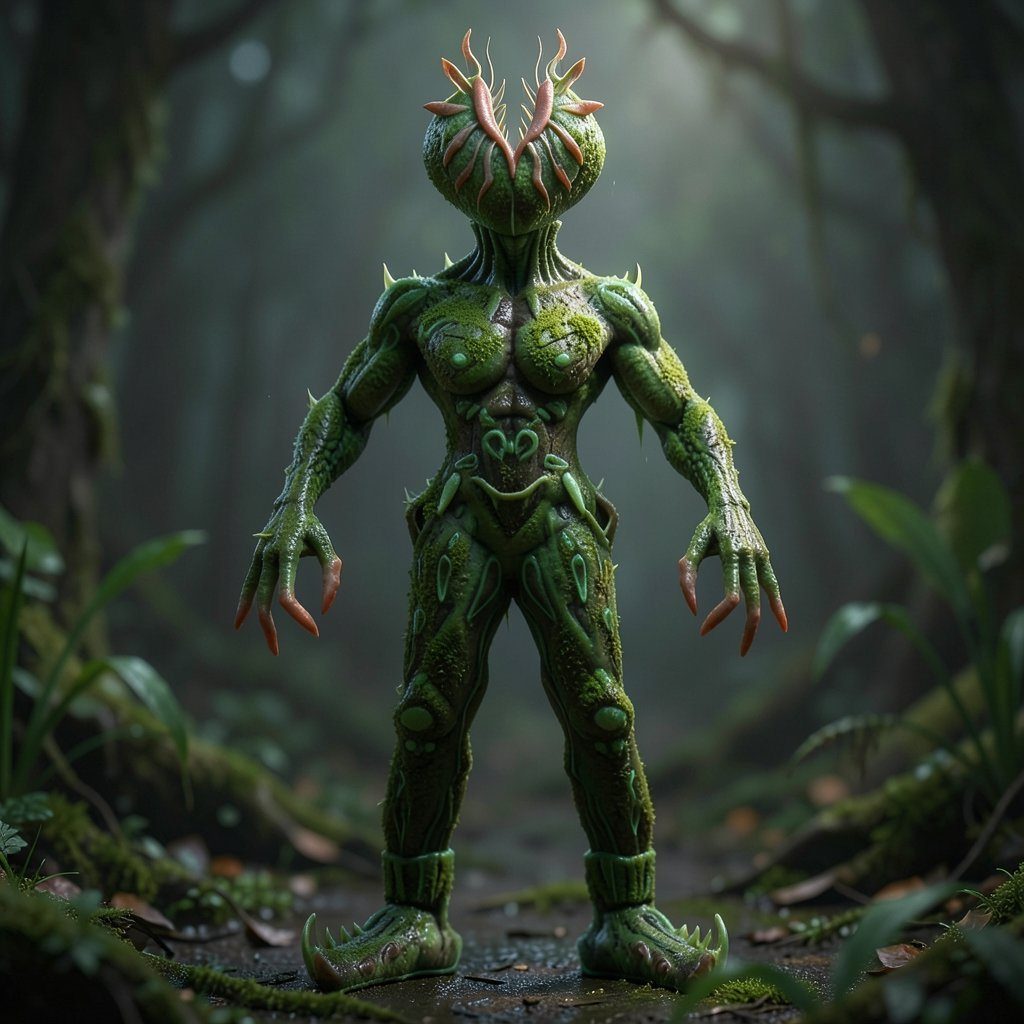
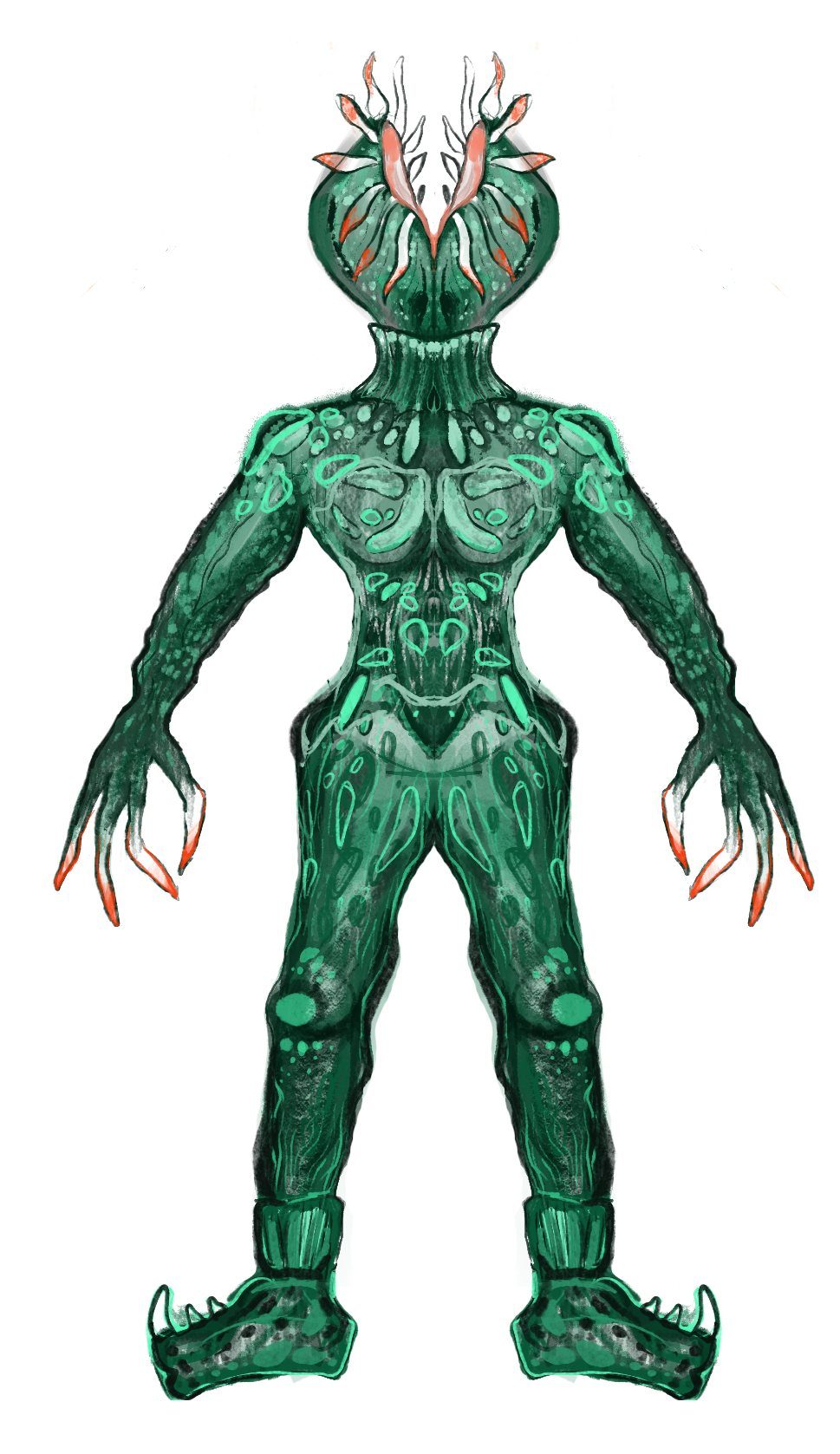
AI-generated render of the creature: a green humanoid with a flytrap head, standing in a misty forest. My drawing of the creature: a symmetrical green figure with a flytrap head and red-tipped fingers. DrawingRender

Art direction for the game character.

I drew the creature symmetrically so it could be rigged later, then used image-to-image in Krea AI to explore how it might be rendered.

The render is AI-generated from my drawing. The characters in the current game are not my own assets. I’m developing my own.

Open the concept sheet ↗
Back to work ← Next: Sealife →